We design smart UI/UX that’s development-ready.
Our UI/UX design process ensures you get designs ready for AI coding tools. Detailed screens, clear user flows, complex components and up-to-date documentation that lets you launch & scale much faster. With our ULTRA apps, you get quick user stories & development estimates.

Not just UI/UX. Design that is 80% code.
UI/UX isn’t just about user flows and aesthetics anymore. Now, design can generate component libraries, specs and user stories that turn Figma files into detailed guides for coding. Powered by the ULTRA apps. Designs get imported into AI-based coding tools and are quickly turned into living, breathing software.
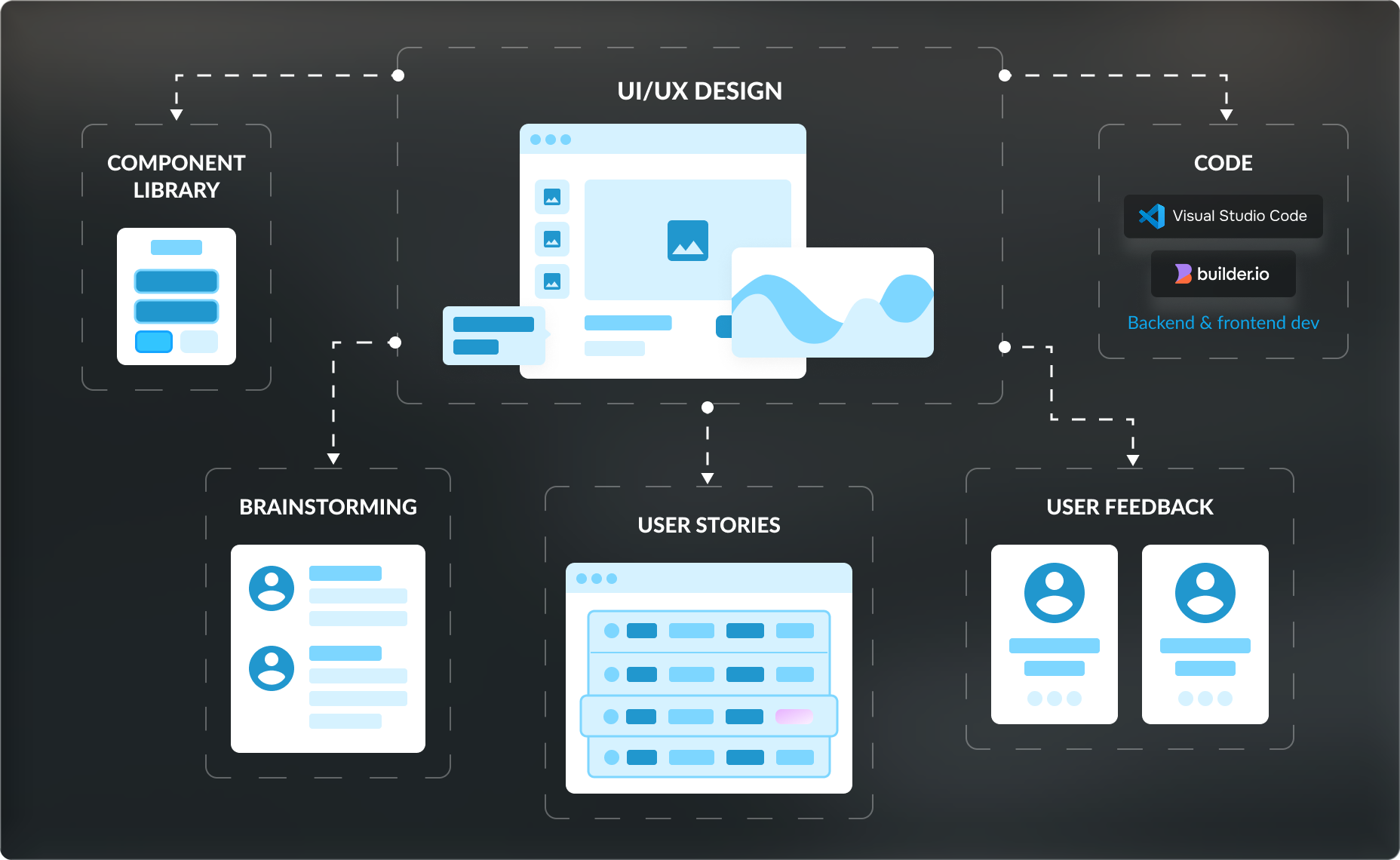
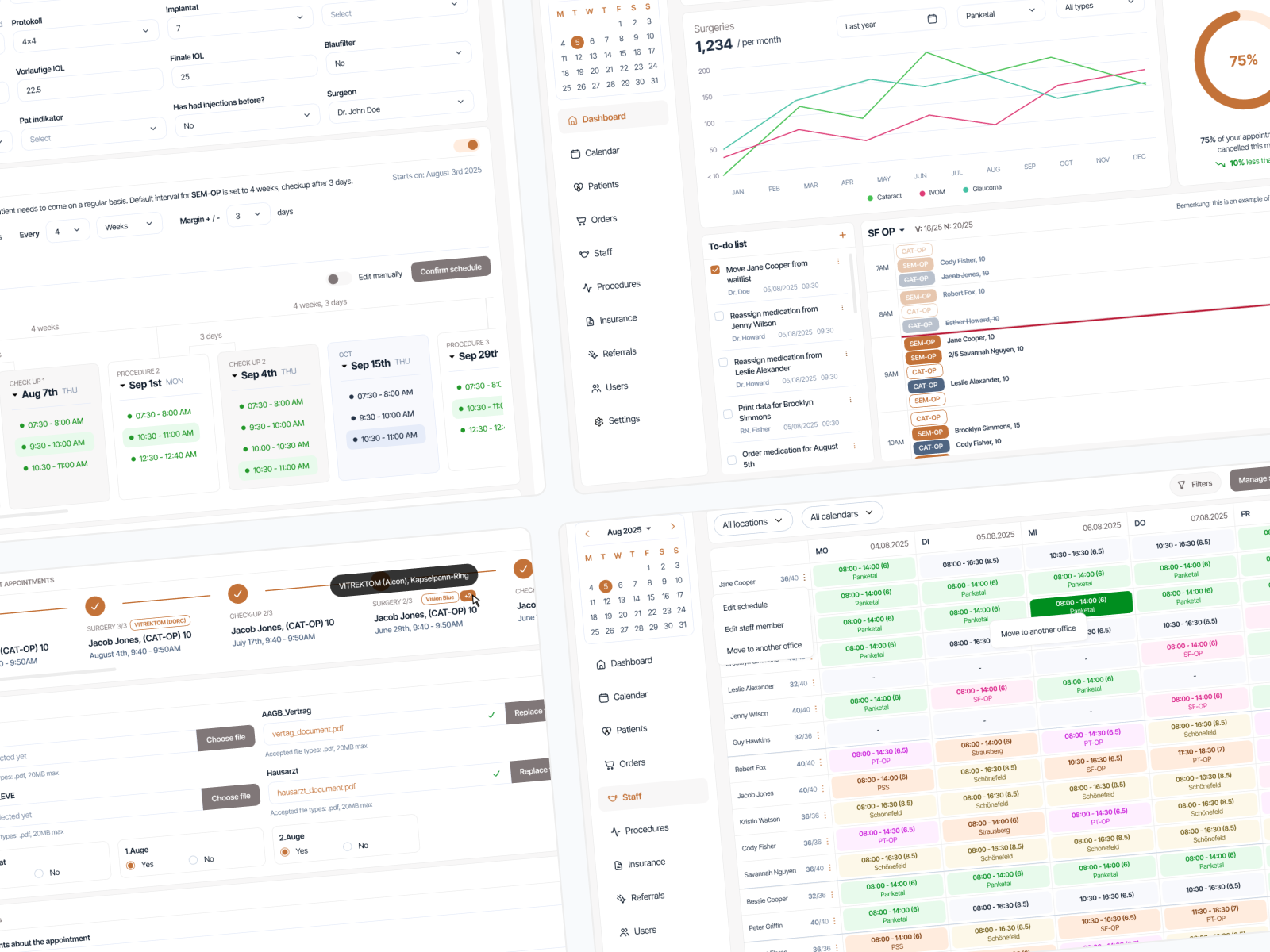
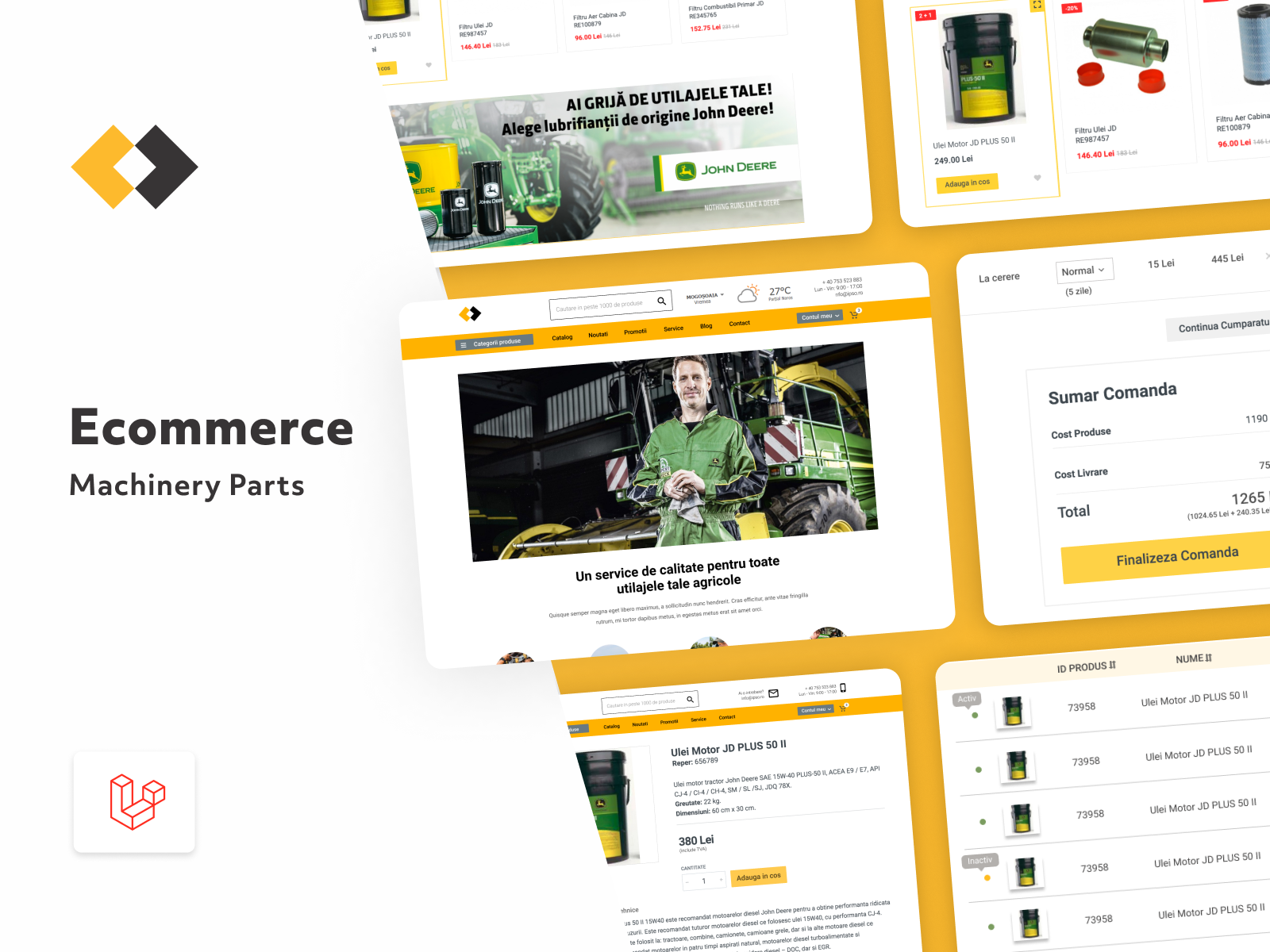
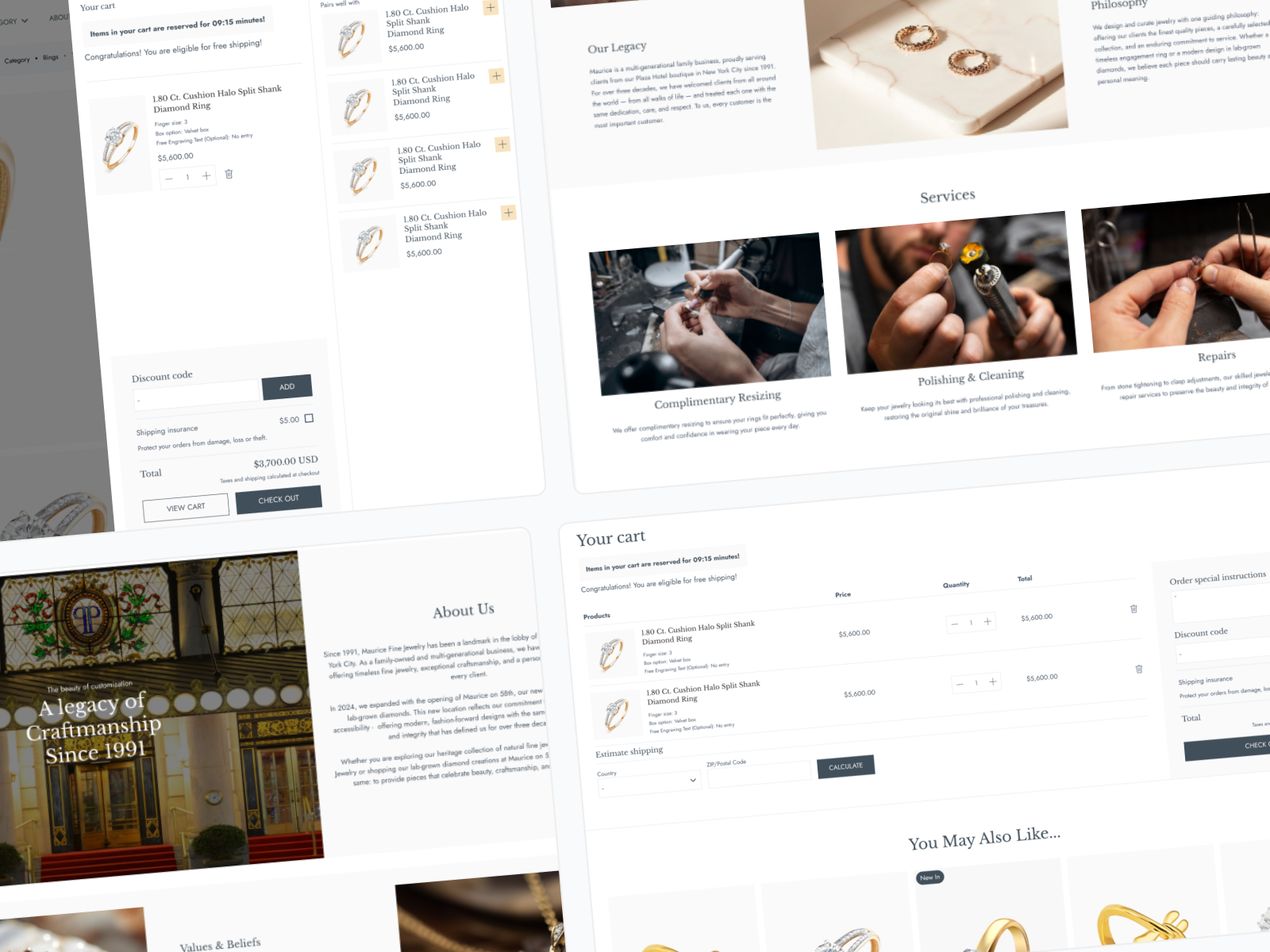
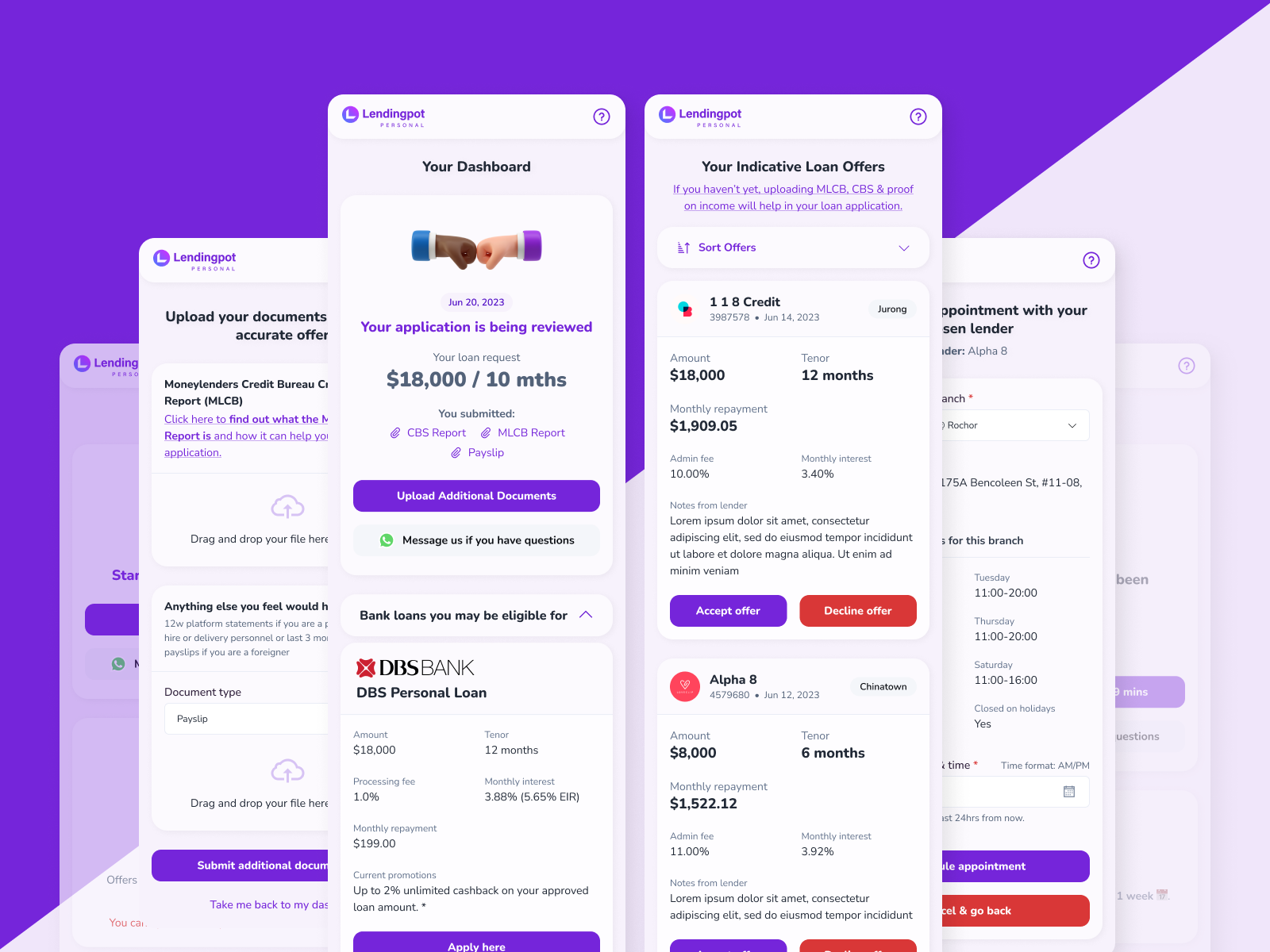
We design SaaS, B2B and B2C software that works & suits your user and business needs
Through our tried and tested process, we pay attention to your needs, carefully outline your user personas and build UI/UX design that’s not only user-first, but business-catered as well.
Existing, legacy software
Dated, unusable apps in need of a refresh or new features
 Design audit
- UI/UX design updates
- Unifying UI components and styles
- Integrating new user flows and features
- User flow and aesthetic improvements
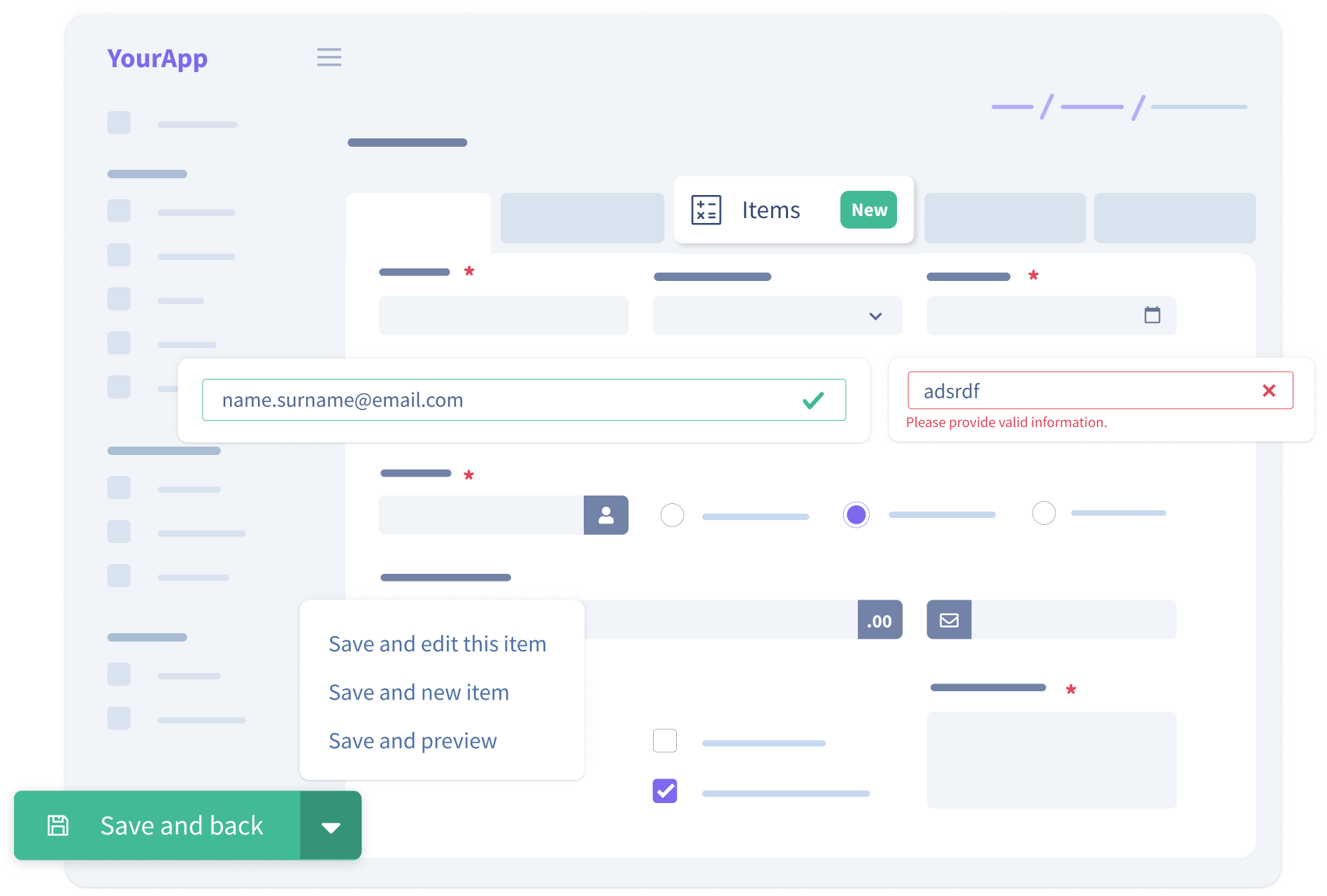
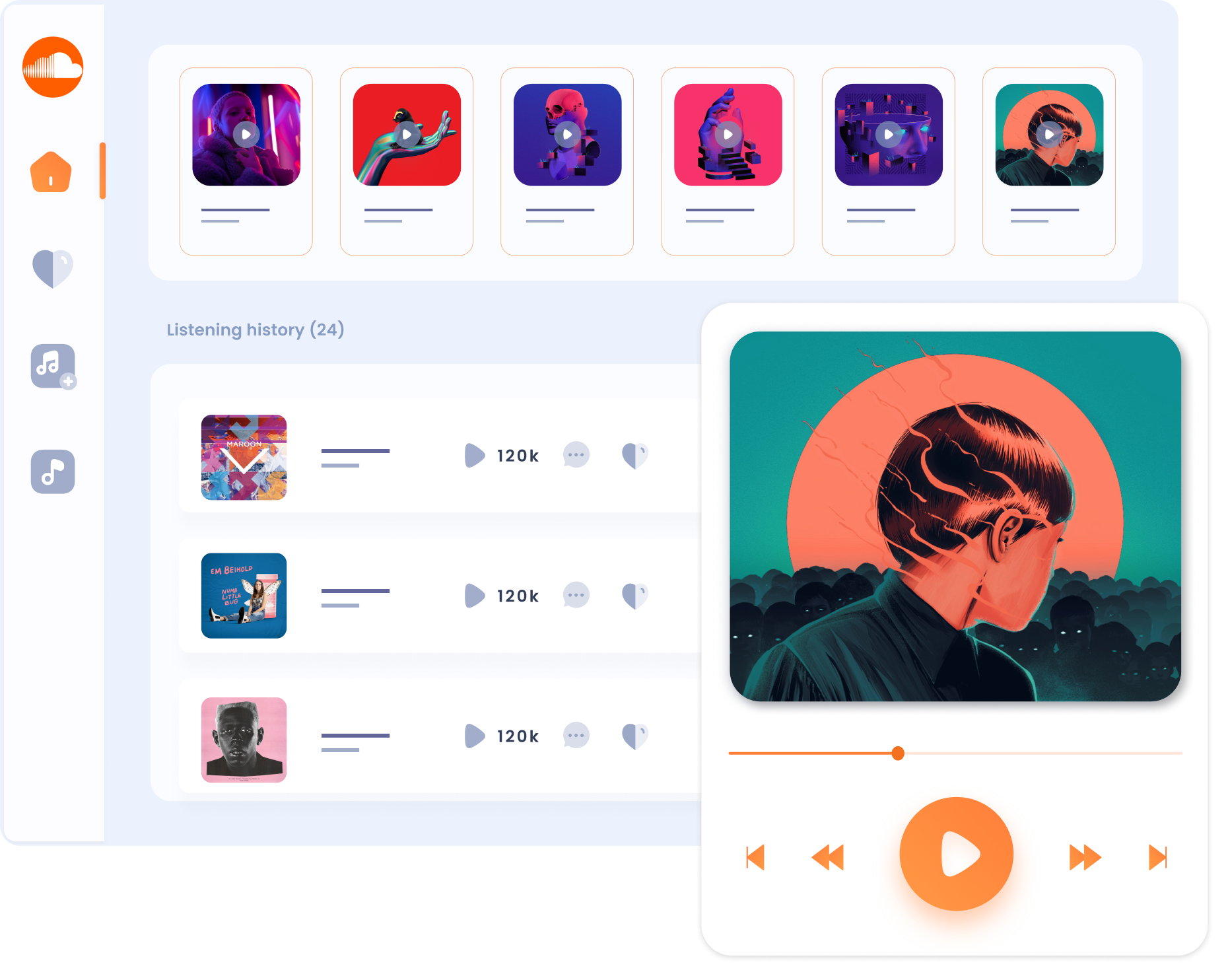
New software
Complex software ideas you want to build from scratch
- We can brainstorm ideas together and map out your app more clearly
- User persona creation
- User & competition research
- Building complex app architecture
- Branding elements & components that scale
UI/UX redesign
We’ll take old, outdated or failing software, find its UI/UX issues and fix them through a redesign
- Auditing your current UI and user flows
- Improving aesthetics without affecting user flows
- Redesigns that improve what users truly don’t like
- Improving inefficient user flows & features
- Redesigns that don’t scare off existing users
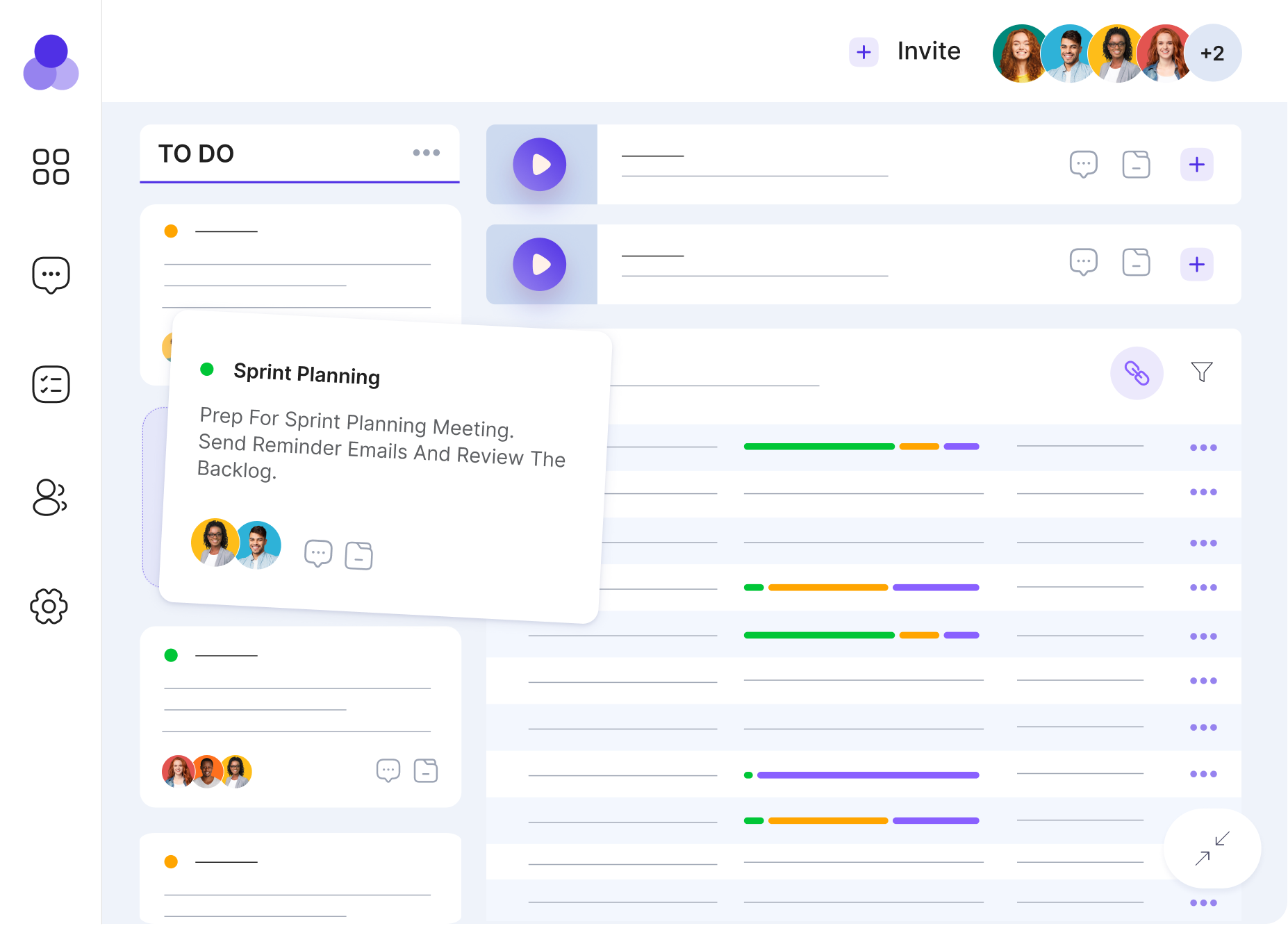
You’re making mistakes in your UI/UX. We’ll find & fix them.
Before committing to weeks of design, you can get a UI/UX audit for free. We’ll evaluate your app against core UI/UX best practices and give it an overall usability score, complete with targeted recommendations.
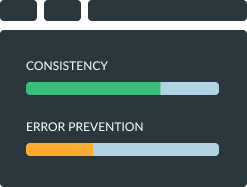
Get a usability score
We evaluate your app against several core categories. We focus both on specific screens and global aspects.
Get actionable advice
We give you actionable improvement recommendations for 3-4 complex screens, as well as overall suggestions.
Implement solutions
Our recommendations are straight to the point, so you can start implementing them right away.
Code-ready UI/UX Design in 5 steps
Our design process goes from getting to know your business and users to detailed user personas, design systems, software branding and complex prototypes ready for code.
 1 - 2 hours
We hold a discussion to understand what you need, who your users are and what you want to achieve. We research your user personas and map out your app’s logic and architecture.
 You invest:
a few short sessions with your team.
 You receive:
a detailed project roadmap, user personas, key user flows, a list of screens we’ll need to design and when you’ll get to see them in action
4 - 6 hours
We start setting up the Figma file we’re building the design in. This means choosing a color palette, font and icon set, and then organizing them as Styles. Next, we create a series of components such as buttons, inputs or tables.
You invest:
any branding materials you have
You receive:
your app’s branding: colors, typography and iconography. components that will be reused across the design and which will set the stage for frontend development.
20 - 30 hours
This is where the real work begins. After setting up styles, components and the overall app branding, we start designing. We begin with the app navigation and structure, then we head into the most difficult, feature-loaded screens so we can map out central user flows first.
You invest:
your patience as we work
You receive:
your app’s most complex, feature-loaded screens, mapping out key features. then, simpler screens.
2 - 6 hours
Once we finish enough screens to show you proper user flows, we hold a meeting to go over all the work we’ve done. We discuss styling & branding, logic, navigation and overall direction. You can give us feedback on the spot or take your time to review on your own.
You invest:
your time, opinions and ideas
You receive:
key screens from your app, which we’ll keep iterating on as you give us feedback.
2 - 4 hours
After we’ve approved all the designs together (and we mean the entire app), if you choose to keep working with us, we’ll handover the design to the development team. Since the design is dev-ready, we only generate user stories, estimate, organize tasks and export design files into code.
You invest:
your time & resources to build your app with us
You receive:
the app’s entire design, development estimates, dev tasks and project timeline
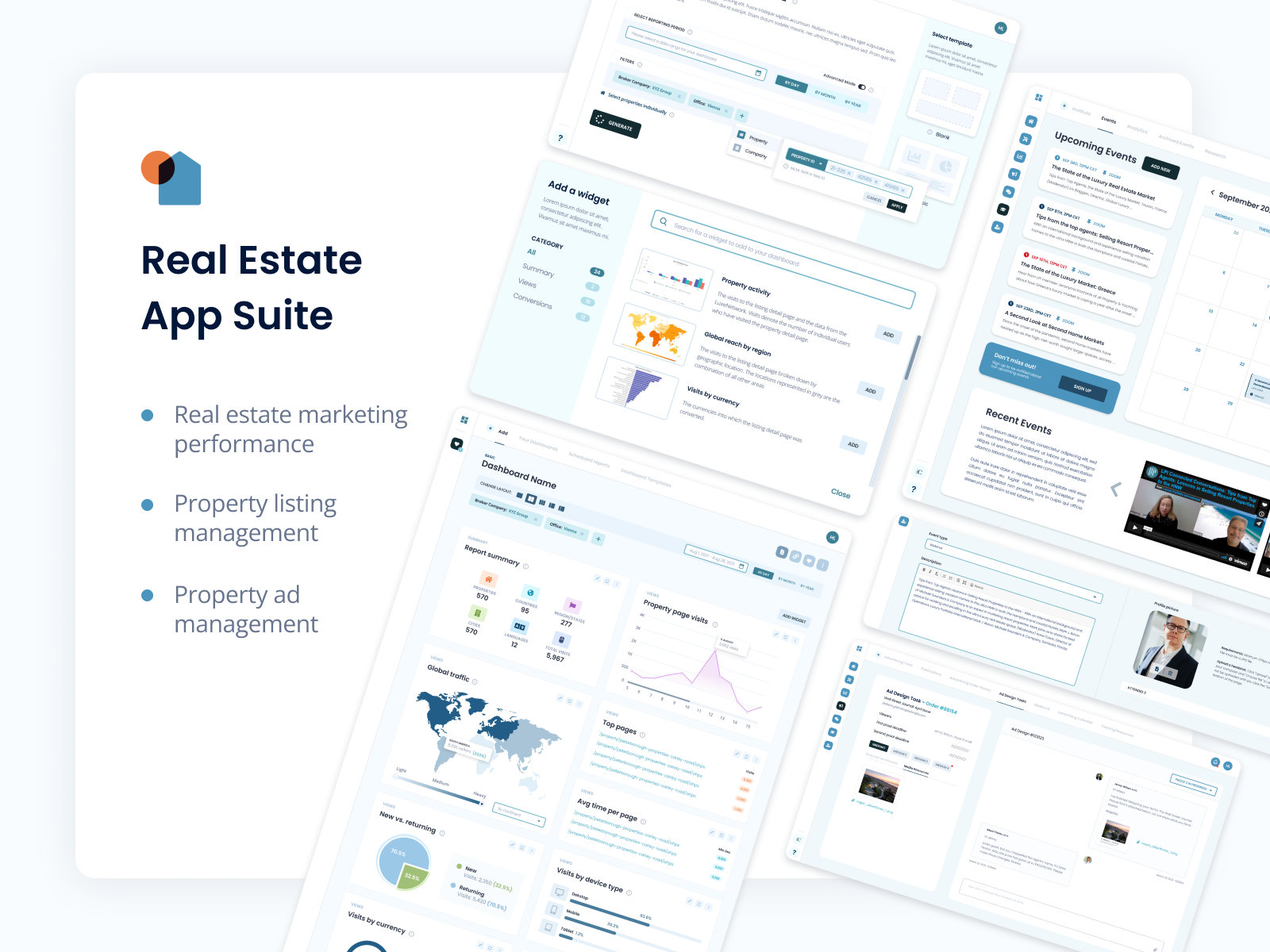
Introducing UFOs.
The undeniable proof that good UI/UX is out here.
Based on thousands of hours of design meetings and feedback, we’ve organized what we’ve learned into a 3+1 design framework called UFOs. UFOs is a set of best practices we apply in our day to day UI/UX work. It’s also an acronym for the key four steps in designing an app:
- Understanding
- Foundation
- Original design & functionality
- stress testing

FAQ
UI and UX can get mistaken for each other due to the name similarity. After all, they both start with “user”. They both address users but from different perspectives: one from the visual perspective and the other from the psychological.
UI/UX design manages your app’s look and feel. It helps guide users to fulfill their goals seamlessly, while giving them a pretty and useful interface to do that on.
We do redesigns, complex new software from scratch or we upgrade existing, legacy software. We do this for startups, mid-size businesses or enterprises of any industry. The more complex, the better.
We audit your current app (if you have one), find issues we can fix, we create user personas and find their needs, we understand your business, industry and scaling needs, we build UI components you can reuse for years to come, and we build UI/UX design that’s already most of your frontend code.
We begin with a long discussion with you. We need to first understand your business and industry, as well as competitors. We discuss your key user types. Once we’re done talking, we get down to brainstorming and mapping out app branding.
When we’re clear on your user personas and key user flows, we start by creating the app’s branding and styles. In the software we use to design, Figma, we create styles and components. That means we map out your app’s color palette, typography, iconography and key design elements such as buttons, card styles, shadows, and so on.
Then, we design the most complex screens in your app. This way, we map out the most important features and flows, and we also figure out the app’s navigation and overall architecture.
Once we’ve designed a few key screens from your app, we discuss and review them with you. Once we’ve reached a design language and structure we’re all happy with, we finish designing the entire app.
At this point, your app’s frontend is almost done. We can continue by generating user stories, estimating development time and exporting designs directly into frontend code.
AI helps us from the get-go. Productivity tools help us take better notes during meetings with you. Claude, Gemini and ChatGPT help us brainstorm and figure out your key user base, as well as analyze your competition and similar apps that can help us come up with any ideas.
Our proprietary tool, ULTRA, uses AI to help us organize tasks and generate user stories based on the design files. This way, once we’re done designing, we can quickly set the base for development.
It’s very useful for all of us if you’ve got a clear idea on what you’re building. You should know what your software and business goals are, what you’re trying to achieve, for whom and why.
If you’ve got existing software, be ready to take us through it, and to share any relevant files such as Figma files, icon sets, illustrations, imagery, or branding materials.
If you’ve got time, go through websites like Dribbble and select a few examples of UIs you like, to give us a clearer visual direction. We can also look together.
Once the project is complete, your design files will belong to you, with full editing power. This will include styles and components.
We begin by designing as many complex screens as possible within 40 hours. The rest depends on your app’s complexity and the amount of screens we need. We go for an hourly pricing model, so it all depends on how many hours it takes to design.
Let’s get started. Improve your UI/UX design today

For eye candy and our UI/UX portfolio, follow us on Dribbble.

For questions, a free quote or just a friendly hello, contact us.













Copyright © UPDIVISION 2010-2026. All rights reserved.